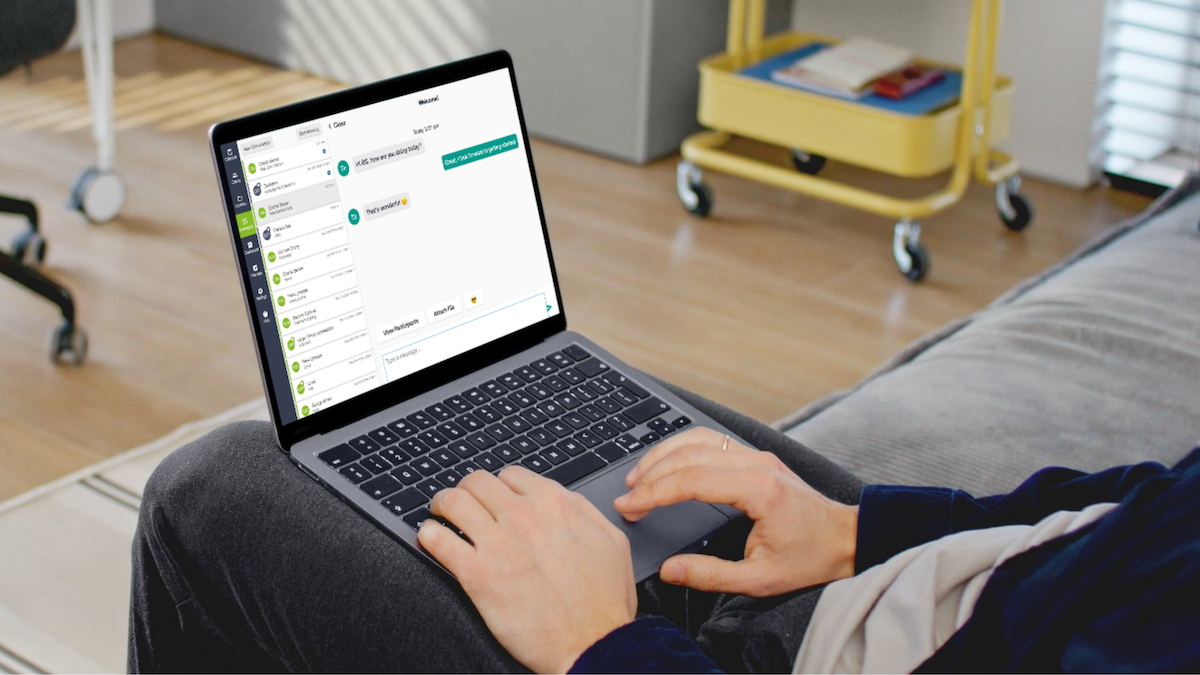
Keeping accurate and organized client records is essential to running a therapy practice. But as your practice grows, intake forms, session notes, clinical measures, billing information, and documents can become challenging to manage across separate systems.
Client record management software for therapists, however, brings this information together in one digital system, making it easier to find records, maintain documentation, and manage sensitive client information.
And for Canadian therapists, in particular, the right software should also support the privacy and documentation requirements that apply to their profession and practice.
What Is Client Record Management Software for Therapists?
Client record management software is a digital system that helps therapists create, organize, store and retrieve information about their clients.
Depending on the platform, a client record may include:
- Contact and demographic information
- Intake and consent forms
- Session and non-session notes
- Clinical measures and assessment results
- Treatment-related documents and referrals
- Diagnostic and medication information
- Insurance and billing details
- Appointment history and secure communications
Rather than managing this information across paper files, spreadsheets, email and separate applications, therapists can access it through a centralized client record. For private Canadian practices, this can simplify documentation and establish a more consistent way to manage client information.
Why Organized Client Records Matter for Therapists
A client record does more than store information. It helps you review a client’s history, prepare for appointments and maintain documentation of care.
Find Information Before a Session
Centralized records make it easier to review previous notes, clinical measures and relevant documents before an appointment. You spend less time searching through files and more time preparing for the session.
Maintain Consistent Documentation
Digital note templates and structured fields can help you capture recurring information consistently without creating every record from scratch.
Reduce Duplicate Data Entry
When client details are spread across separate systems, you may need to enter the same information more than once. Connected software can link client profiles with forms, appointments, notes and billing information, reducing unnecessary duplication.
Support Continuity of Care
An organized client record makes it easier to review a client’s history, track progress and refer back to previous sessions. Having this information in one place helps you prepare for appointments and maintain continuity throughout treatment.
What Should a Client Record Include?
Client records vary depending on the type of therapy you provide and the needs of your practice. However, most include several core types of information.
Client Information
Basic details such as a client’s name, contact information, date of birth, referral source and relevant administrative information should be easy to find and update.
Intake and Consent Forms
Digital intake forms allow clients to provide information before their first appointment. Completed forms and consent documentation can then be stored alongside the appropriate client record.
Session Notes and Clinical Measures
Therapists need a consistent way to document sessions and retrieve previous notes. For Canadian therapy practices that use standardized assessments, linking clinical measures and results to the client’s record can also simplify progress tracking.
Documents and Attachments
Records may contain referrals, assessments, treatment-related documents and other relevant files. Secure digital storage makes these documents easier to retrieve without relying on paper folders.
Billing and Insurance Information
Depending on the practice, financial details may also be connected to the client profile. Keeping administrative information organized can reduce the need to search through separate billing systems.
Client Record Management for Canadian Therapists
When choosing client record management software, Canadian therapists need to consider how the system protects sensitive client information and supports their record-keeping obligations. Privacy laws and professional standards vary by province and profession, so it’s important to understand which requirements apply to your practice.
PIPEDA and Provincial Privacy Laws
The federal Personal Information Protection and Electronic Documents Act (PIPEDA) governs certain personal information handled by private-sector organizations. However, it is not the only privacy law that may apply to a therapy practice.
Ontario’s Personal Health Information Protection Act (PHIPA), for example, governs personal health information handled by health information custodians and other parties covered by the legislation. British Columbia and Alberta also have their own private-sector privacy legislation.
The Office of the Privacy Commissioner of Canada’s overview of privacy laws provides further information about federal and provincial requirements.
Professional colleges and regulatory bodies may also establish record-keeping, confidentiality and retention standards. Canadian therapists should confirm which laws and professional obligations apply to their practice rather than assuming one set of rules covers every province and profession.
Where Is Client Data Stored?
When comparing software providers, consider where your client records are stored and how they are protected. Ask where data and backups are hosted, who can access them, and how you can retrieve your records if you switch platforms.
Choosing a provider that understands the needs of Canadian mental health professionals can help you assess these considerations in the context of your practice. Owl Practice was built specifically for Canadian mental health professionals and stores client data in Canada.
What Security Features Should You Look For?
Look for features that help protect sensitive information, including:
- Encryption and secure data storage
- User permissions and access controls
- Secure document storage
- Secure client communication
- Authentication safeguards
- Clear policies for data access, retention and export
The right features depend on your practice and applicable requirements. Software can support your privacy and security processes, but choosing a platform alone does not guarantee compliance.
Digital Client Records vs. Paper Files
As a therapy practice grows, paper files can become harder to organize, update, and retrieve. Digital records make it easier to search for client information, access documents, and connect documentation with scheduling and billing.
Moving to an electronic health record (EHR) also gives therapists an opportunity to review their existing documentation processes and plan how to transfer and manage records securely. With appropriate safeguards, digital records can also support access beyond the physical office.
EHR vs. Client Record Management Software
The terms electronic health record, client record management software and practice management software are sometimes used interchangeably, but they can emphasize different functions.
An EHR focuses on maintaining a client’s health record. Practice management software may combine records and documentation with administrative tools such as:
- Appointment scheduling and online booking
- Billing and payment processing
- Digital intake and consent forms
- Secure messaging
- Telehealth
- Appointment reminders and reporting
For private practice therapists, an integrated system can connect these workflows and reduce the need for separate applications.
What to Look for in Client Record Management Software
When comparing client record management software for therapists, consider how each feature fits into your daily workflow.
1. Searchable Client Records
You should be able to locate client information and relevant documents without searching through multiple systems.
2. Customizable Client Profiles
Look for a system that lets you maintain the information relevant to your profession and practice.
3. Digital Intake and Consent Forms
Forms that connect directly to client profiles can reduce manual data entry and help keep documentation organized.
4. Clinical Note Templates
Templates can make recurring documentation more consistent while allowing you to adapt notes to your clinical approach.
5. Integrated Scheduling and Billing
Connecting appointments and financial information with client profiles can reduce administrative duplication and make routine tasks easier to manage.
6. Secure Messaging
A dedicated communication channel helps keep client conversations and shared documents within your practice system instead of scattered across personal email and text messages.
7. Privacy and Access Controls
Ask providers about Canadian data storage, security safeguards, user permissions and how their platform supports the privacy obligations relevant to your practice.
8. Support for Couples and Family Therapy
If you work with couples or families, look for software that can connect related clients while preserving separate individual records and appropriate access to information.
Managing Client Records for Couples and Families
Keeping client records organized can be more complex when you work with couples and families. Although multiple people may attend the same session, each person may need a separate client profile and clinical record.
Owl Practice’s Circle of Care and Linked Accounts let therapists connect related clients while keeping their records separate. This makes it easier to manage relationships between clients without combining their individual information into a single record.
Client Record Management Software for Therapists in Canada
Choosing client record management software for therapists means finding a system that supports both clinical documentation and the day-to-day needs of your practice.
Owl Practice brings client records, notes, forms and documents together with scheduling, billing and client communication tools. Built for Canadian mental health professionals, it stores client data in Canada. Discover how Owl Practice can help you manage client records and your practice in one place and start your free trial or book a demo today.