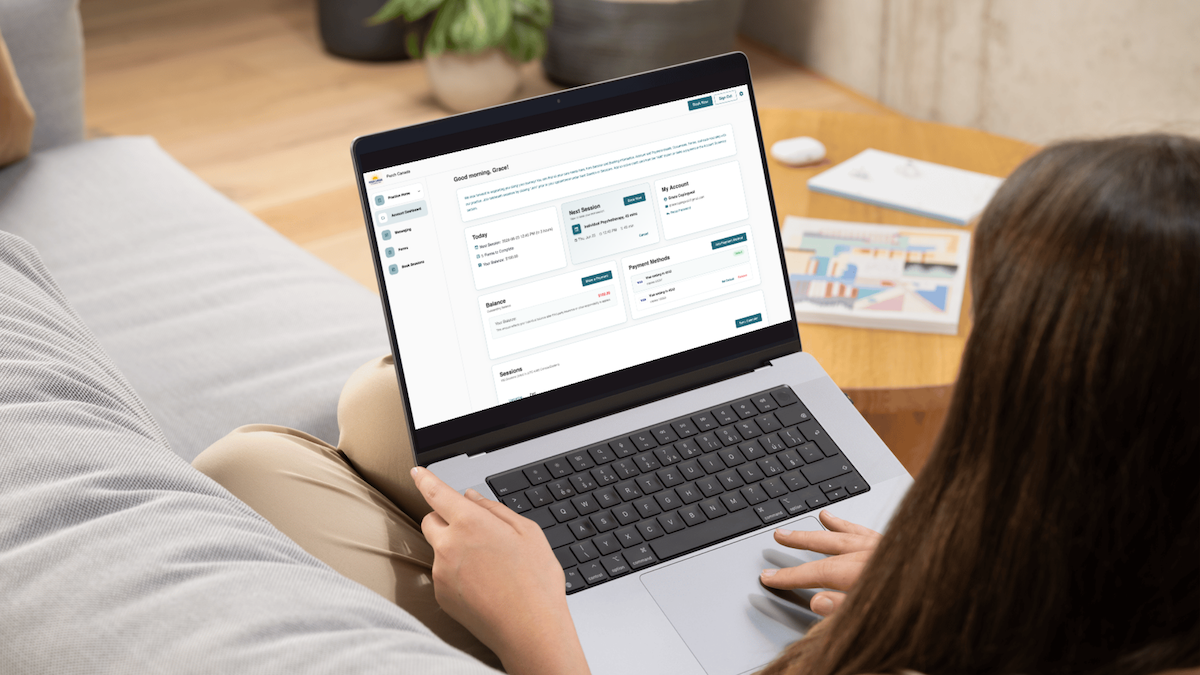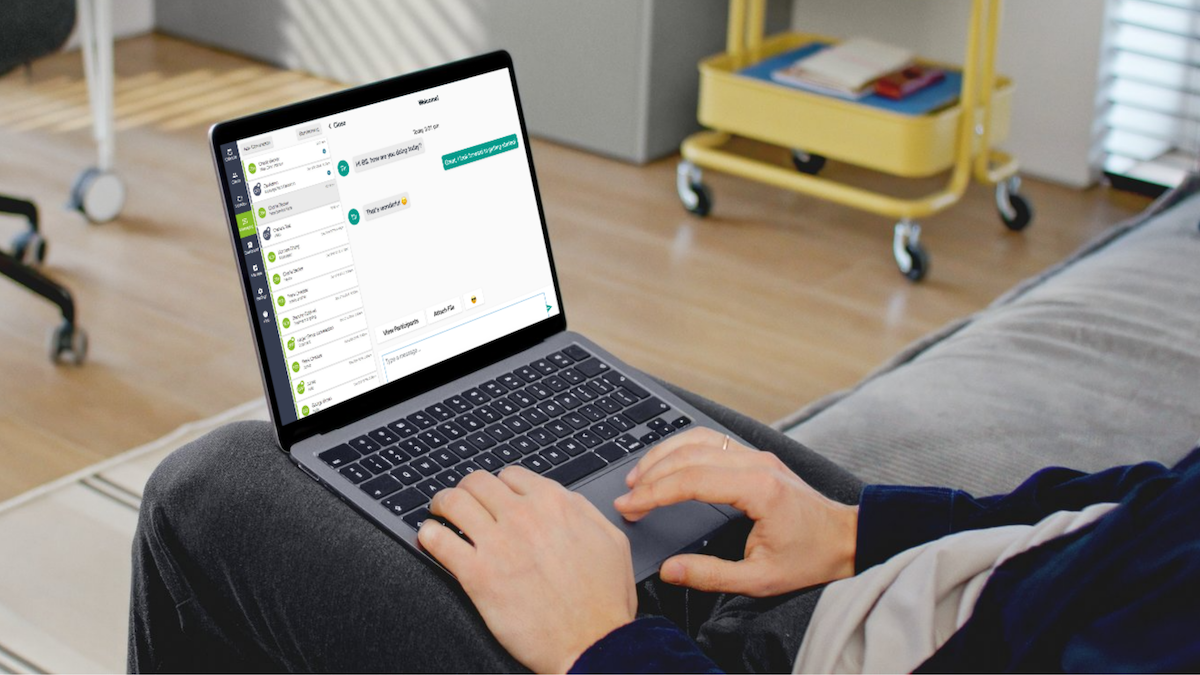
Insurance billing can feel complex, especially when you’re balancing claim submissions, direct billing requirements, and client payment responsibilities. During our recent Integrated Payments webinar, many clinicians asked questions about eClaims, TELUS Health, coverage verification, and insurance workflows.
During our recent Client Billing and Integrated Payments webinar, clinicians asked several questions about eClaims, direct billing, and insurance workflows. Below, we’ve gathered the most common questions and answers to help you streamline the process and spend less time on administration.
Insurance & eClaims
Owl Practice Help Centre Articles: CA Insurance and Online Intake & Consent Forms
Q: How do I set up eClaims with Telus Health?
A: To set up eClaims for TELUS, you’ll first need a subscription to either an Advanced, Professional or Group Plan then proceed through the following steps:
- Register or connect your TELUS account through Owl within Manage → eClaims.
- Add your client’s coverage within Manage → eClaims → Coverage or going to the client profile and navigating to their eClaims section to add coverage.
- Submit claims
Q: Which insurance companies can be set up for direct billing, and how do I enable it for a client?
A: The supported issuers can be found on TELUS’ website.
Note: While these insurers participate, coverage and direct billing eligibility depend entirely on the client’s specific employer plan and the exact credentials of their mental health provider. Co-pays or manual submissions for remaining balances may still apply.
Q: Can you walk through the full process of one claim submission end to end, for example Telus versus Sun Life, and submitting through OWL versus the Telus Health portal directly?
A: Direct billing to a client’s insurance is supported through TELUS today. Claims that are handled via the TELUS portal directly are not reflected in Owl’s EHR.
Q: How does the process work when eClaims and autopay are used together? Can they be used at the same time, or do they need to be handled separately?
A: eClaims and auto pay need to be handled separately. If you are working with a client that you anticipate submitting a claim for, then their payment processing setting should be set to process manually, so payment can be correctly recorded after the claim cycle is complete.
Q: How can billing insurance be made more seamless overall?
A: You can make billing with insurance more seamless overall by:
- Automating invoice creation.
- Ensuring your TELUS account is fully set up and ready to go.
- Ensuring your client’s coverage is fully set up and ready to go.
- Utilizing the Workflow to review any clients with an outstanding balance due.
Q: How can you tell if all insurance claims have been submitted?
A: Navigate to Manage → eClaims → Claims, and here will be the list of all eClaims and their statuses. This will be for your full account, so all of your clients. You can find client-specific claims by filtering that list by client or going to your client’s profile → eClaims.
Q: Is there a way for the clients to enter their insurance information themselves via an Owl form?
A: Our intake forms are fully customizable for you to collect a wealth of information.
Simplify eClaims and Billing
Insurance billing doesn’t have to be a constant source of administrative stress. With the right setup, tools, and workflows, you can streamline claim submissions, reduce manual follow-up, and spend more time focused on client care.
If you’re getting started with eClaims or looking to optimize your billing process, be sure to explore our Help Centre resources and reach out to our support team with any questions. We’re here to help you make insurance billing simpler, faster, and more manageable.
If you missed the webinar, or would to rewatch it at your convenience, you can find the “Mastering Client Billing with Integrated Payments” session here.
Not using Owl Practice? Start a free 14-day trial today or book a demo with one of our experts to learn more about eClaims, Billing and Integrated Payments.