Summary: Owl Practice’s Client Portal shapes the client experience from the first booking, turning the administrative side of therapy into one simple, secure space by:
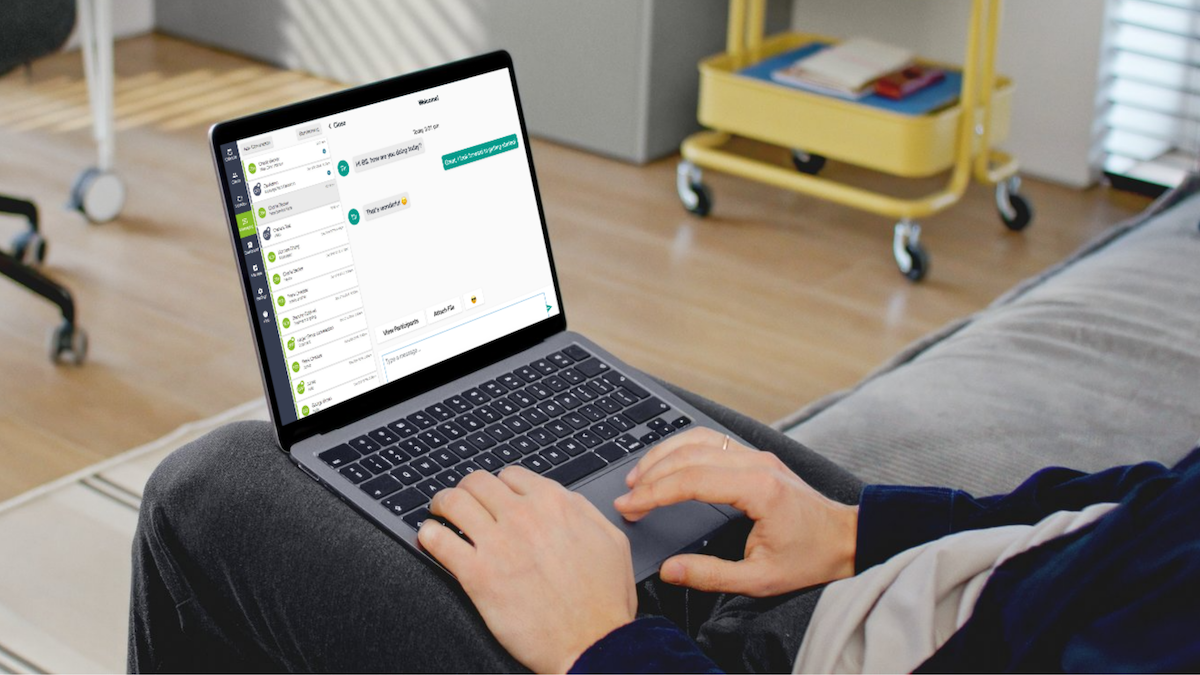
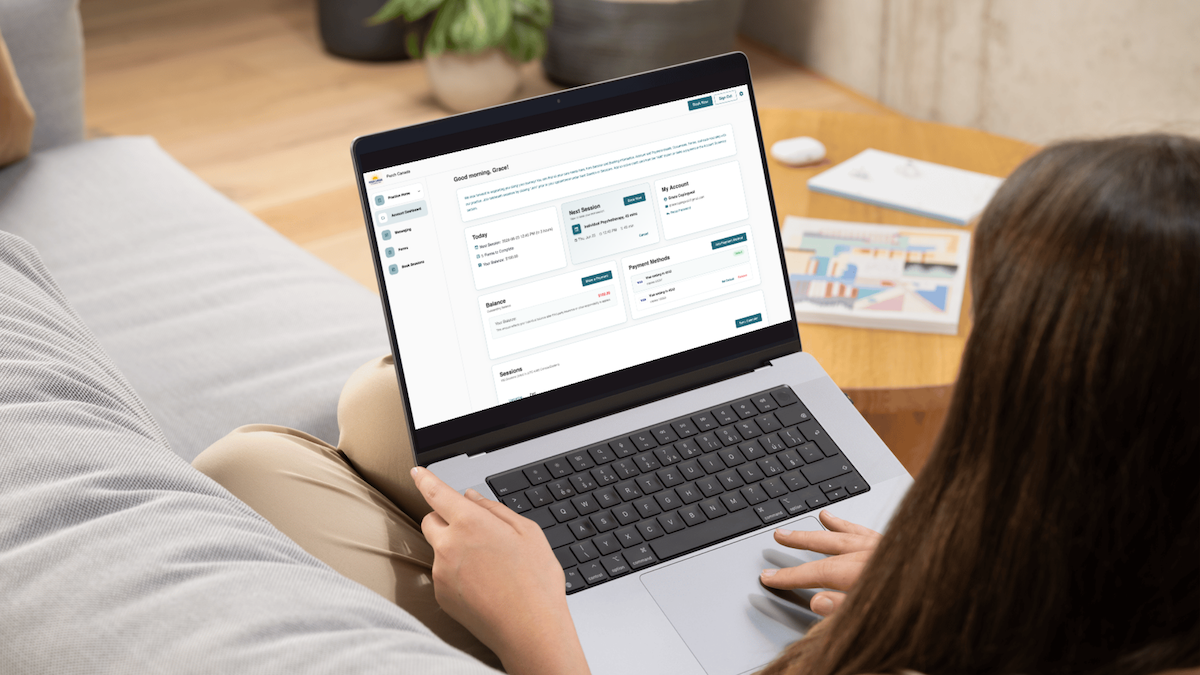
- Bringing client-facing tasks into one place: Booking, forms, account information, financial documents, and Secure Messaging live in a single secure space, so new clients have one place to start instead of five to learn.
- Letting clients handle routine tasks themselves: Booking again, finding a document, or resending a form happens without waiting on your reply or office hours, cutting the interruptions on your end.
- Keeping sensitive workflows secure without friction: Secure Messaging and client forms stay out of everyday consumer tools, so privacy holds without making the experience harder.
A client starts forming an impression of your practice before they ever meet you. How hard was it to book? Where do they go to fill out their forms? Can they find the thing you sent them last week? When they need something, is it obvious where to look, or does it turn into another email to you?
From your side of the desk, those are administrative details. From the client’s side, they aren’t details at all. They’re the whole experience of being your client, and they can happen before the first session.
What Happens After That First Appointment Get Booked?
Follow the path from the client’s point of view. They’ve made the hard decision to seek support. Now they may need to book a first appointment, complete intake paperwork, keep track of when they’re coming in, find documents you’ve shared, and reach you between sessions. Each of those is one more small ask sitting between them and the care they came for.
A client portal gives all of it a single home. Owl Practice’s Client Portal can bring booking, forms, account information, financial documents, and Secure Messaging into one secure, client-facing space. Rather than teaching someone where five separate things live, there’s only one “place” they’ll have to look.
The Option Of Self-Service Is Considerate
Clients are already used to handling routine things on their own schedule. They probably don’t want to have to email you and ask if you can resend a form. They don’t need you personally walking them through which appointment slots are free. And they shouldn’t have to wait until your office hours to do something as simple as confirm an appointment.
Letting clients take care of those tasks themselves doesn’t strip the care out of the experience. It takes the friction out, and it protects your time while it’s at it.
The Portal Can Answer Questions Before They Turn Into Emails
Can you resend my form? Where do I find that document? How do I book again? Can I message you here? All reasonable things for a client to ask. But when your systems can answer them without pulling you in, the client gets an answer faster and you get one less interruption.
Owl’s Client Portal gives clients access to the tools and information your practice chooses to make available, while keeping those interactions connected to Owl on your side. Clarity for them, fewer administrative interruptions for you.
Privacy Shouldn’t Make the Experience Harder
Mental health practices are held to a higher standard for handling client information, and rightly so. The catch is that secure often ends up meaning clunky, and it doesn’t have to.
Owl’s Client Portal creates a secure environment where clients can interact with the practice while keeping sensitive workflows out of everyday consumer tools. That matters most for Secure Messaging and client forms, where what’s being exchanged can be genuinely personal.
Your Software Is Invisible. The Experience Isn’t.
Most clients will never know or care which EHR you run. What they’ll register is whether your practice felt easy to deal with. They notice when the next step is clear, when they could handle something without waiting on you, and when the whole thing feels put together rather than disconnected.
Owl Practice helps turn the administrative side of therapy into something that feels simple on the client’s end and takes less manual work on yours. Better first impression for them, more room to grow for you.
Start your free trial today to learn more about how Owl Practice can save you time.