Summary: Owl Practice helps therapists grow their fall caseload without increasing the administrative workload by:
- Keeping everything in one client record: Notes, sessions, forms, insurance, documents, and secure messages all stay attached to the client, plus a Circle of Care that maps everyone involved, from the parent who books to the physician in the loop.
- Running scheduling on its own: Clients book from the availability you choose, and confirmations and reminders go out automatically by email, SMS, or both.
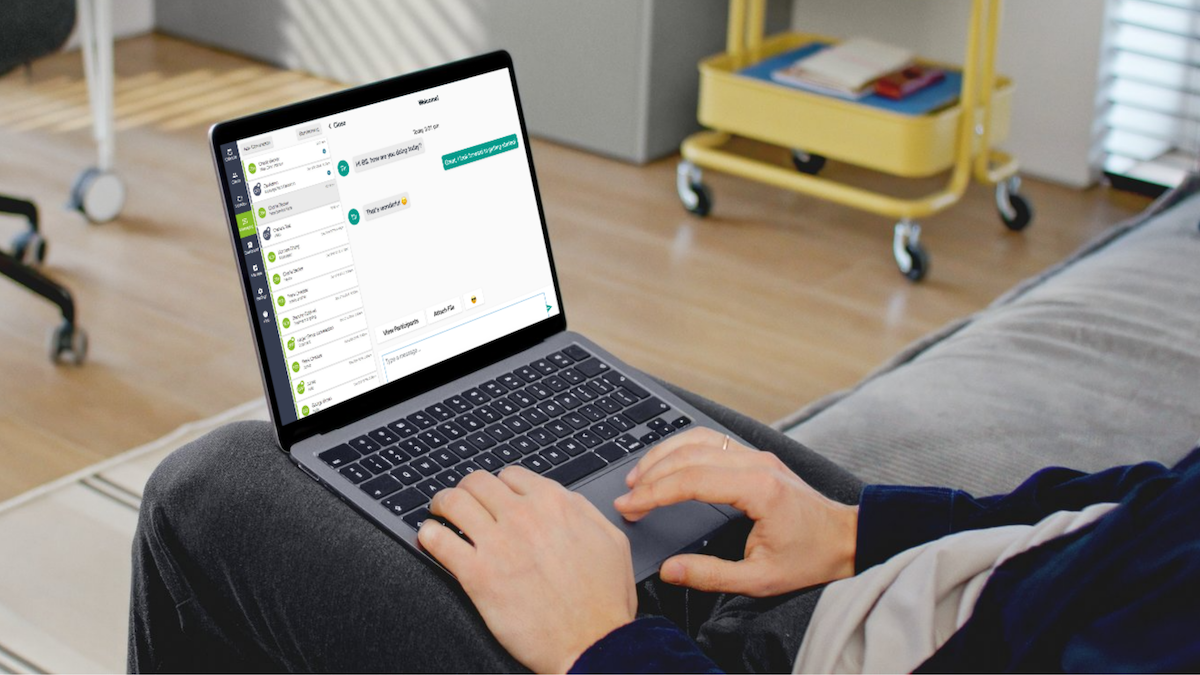
- Letting clients handle the small stuff: The Client Portal and Secure Messaging give clients one secure place to book, complete forms, and message their therapist, with clear boundaries around between-session communication.
A fuller fall calendar sounds good on paper. Then you remember what each new client actually adds: another round of emails, reminders, intake forms to chase, and scheduling messages to answer.
Heading into the busy season, the question worth asking yourself is whether your practice can grow without burying you in admin work. Here are the workflows you should check before September.
1. Can you get up to speed on a client without going hunting?
Open a client record and everything should be right there. Owl Practice keeps notes and past sessions, contact and clinical details, documents, forms, measures, insurance information, and secure messages attached to the client. Fewer tabs to open before a session, and fewer details living only in your head.
Here’s a quick test you can run: with five minutes before your next session, could you find everything that matters without logging into a second system?
2. Does your system know who else is part of a client’s care?
For a lot of therapists, care rarely fits into one client, one therapist, one email address. A child’s parent books the appointments. Someone else pays the bill. A physician or social worker is in the loop. With couples and families, each person may be a client in their own right.
Owl Practice organizes those connections in a Circle of Care: the people tied to an individual client’s care. A contact list tells you who someone is. A Circle of Care tells you why they belong to the picture, which starts to matter once reminders, billing, and linked records come into play.
Is your EHR tracking those relationships, or are you the one holding them together?
3. Are you still hand-scheduling routine appointments?
Clients do not need you personally to decide between Tuesday at 3 and Thursday at 11. With Owl Practice’s Online Booking, they book from the availability and services you choose to make visible. You set what they can see and book. They get to sort it out whenever it suits them.
How many scheduling messages would drop out of your inbox if clients handled the routine ones themselves?
4. Do confirmations and reminders run without you?
Booking an appointment should not spin off a to-do for you. Owl Practice sends confirmations automatically when an appointment is booked or changed, plus reminders before the session by email, SMS, or both. When a client’s care involves someone else, you can route reminders to the right people in their Circle of Care too.
If your caseload jumped next month, would your appointment admin jump with it?
5. Can clients handle the small stuff without emailing you?
Booking, filling out forms, checking information, messaging their therapist. Owl Practice’s Client Portal gives clients one secure place to do all of it, which keeps your time for the work that actually needs you in the room.
What are clients emailing you about right now that they could reasonably do themselves?
6. Does between-session communication have a boundary?
One quick client question can turn your personal email or phone into an after-hours extension of the therapy room. Owl Practice’s Secure Messaging gives that communication a dedicated home inside the Client Portal, and you can set expectations around how it is used and when clients can expect a reply.
Do your clients know where practice communication belongs, and what happens after they hit send?
Build the capacity before you need it
Getting ready for fall comes down to one move: find the admin your practice repeats week after week, and ask whether your systems could carry more of it for you. Owl Practice pulls records, relationships, scheduling, reminders, the Client Portal, and secure messaging into one place, so a bigger caseload does not have to mean a bigger administrative load.
Start your free trial today to learn more about how Owl Practice can save you time.