Following up on unpaid balances can be one of the most time-consuming parts of running a private practice. Having clear payment workflows in place can reduce manual follow-up, improve cash flow, and make billing easier for both clinicians and clients.
During our recent Client Billing and Integrated Payments webinar, clinicians asked several questions about collecting payments, tracking balances, and managing payment methods. Below, we’ve compiled the most common questions and answers to help you spend less time chasing payments and more time focusing on client care.
Getting Paid & Unpaid Balances
Owl Practice Help Centre Article: Workflow & Dashboard
Q: What is the best way to make sure clients pay, and to follow up on unpaid balances?
A: Utilizing the Workflow is the best way to manage unpaid balances. Using Integrated Payments is also a great way to ensure you have a securely stored method of payment on file to charge against for your client’s sessions. Additionally, if you allow clients to book through the client portal, you can configure it in a way that requires a payment method on file prior to booking. That will ensure that you have a method of payment to charge for any unpaid balances.
Q: A client’s credit card on file is expired, but the charge still went through. How do I get notice of that?
A: What likely happened in this case is that the card issuer automatically updated the information on file when the expiration date hit. That means there wasn’t a need for the client to update their payment information directly, as it was auto updated by their issuer. Currently there is not a notification that goes out for expired cards, but the Product team is aware of that request. Additionally, the team is working on putting specific expiration messaging directly into the new Client Portal for clients to see.
Q: How do I track and confirm a received credit card payment in OWL when I also process some payments through Square?
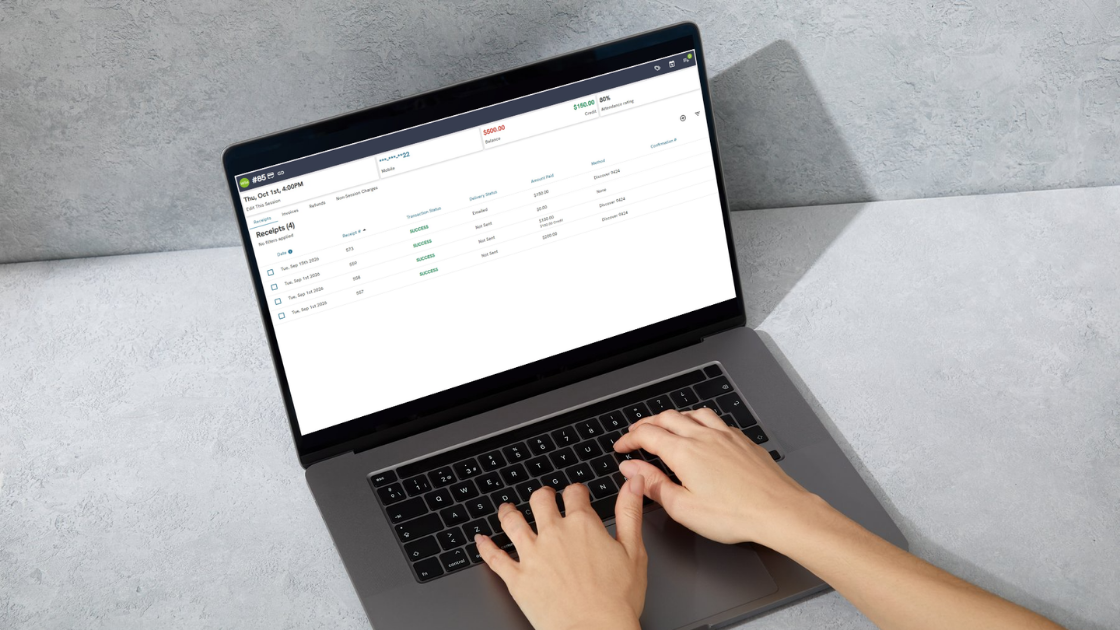
A: All payments that are processed through Owl directly will appear in the Stripe Dashboard and Dashboard Exports. Additionally, clients will have corresponding receipts within their financials tab with the payment method shown for the receipt as well; Stripe specific payments should contain the payment type and last 4 of the account.
Take Control of Your Practice’s Revenue Cycle
Getting paid promptly shouldn’t require hours of manual follow-up. By combining tools like the Workflow dashboard, Integrated Payments, and client booking requirements, you can reduce outstanding balances, simplify payment collection, and create a smoother experience for both your practice and your clients.
Whether you’re looking to improve collections, understand payment tracking, or optimize your billing processes, our Help Centre resources and support team are here to help.
If you missed the webinar, or would to rewatch it at your convenience, you can find the “Mastering Client Billing with Integrated Payments” session here.
Not using Owl Practice? Start a free 14-day trial today or book a demo with one of our experts to see how Integrated Payments and automated billing workflows can help you spend less time managing payments and more time supporting clients.