Teletherapy is here to stay. That’s a good thing, too, as it can help you serve a wider pool of clients and make scheduling more convenient. Still, telehealth comes with its own unique considerations. Consider these video therapy best practices for therapists to help you get started or improve your existing approach.
1. Get the Right Equipment
One of the simplest yet most effective video therapy tips is to use the right hardware. Your webcam should record in at least 720p at 30 frames per second and preferably reach 1080p for a crisp image to make the session feel more real and engaging. Similarly, it’s worth investing in a quality microphone to cut out distracting noises and make sure clients can hear you clearly.
2. Consider Your Background
Another best practice for video therapy sessions is to clean up your background before an appointment. Move any objects that could be distracting out of the view of the camera. You should also position yourself so there are no doors or open windows behind you to reduce background movement.
3. Use a Strong Encrypted Network
There are also some technical considerations for video therapy to conduct teletherapy effectively. Most importantly, you should have a fast, reliable internet signal to avoid any resolution problems, lag, or dropped connections. Your Wi-Fi should also be encrypted to keep sessions private.
4. Keep Security in Mind
Another crucial virtual therapy session tip is to give your clients peace of mind about their security and privacy. Use a fully compliant, secure platform to prevent any worries over sensitive information leaking. When people feel at ease about this confidentiality, they will be more likely to be open and honest during the session.
5. Pretend You’re in the Same Room
Finally, you can conduct teletherapy effectively by behaving as if it’s an in-person session. Don’t let the screen distract you from the moment or keep you from making a human connection. Make eye contact, nod your head, and ask questions to show you’re listening, and act as you would for a non-virtual meeting so your client feels respected and heard.
Get Started With Owl Practice’s Video Therapy Platform Today
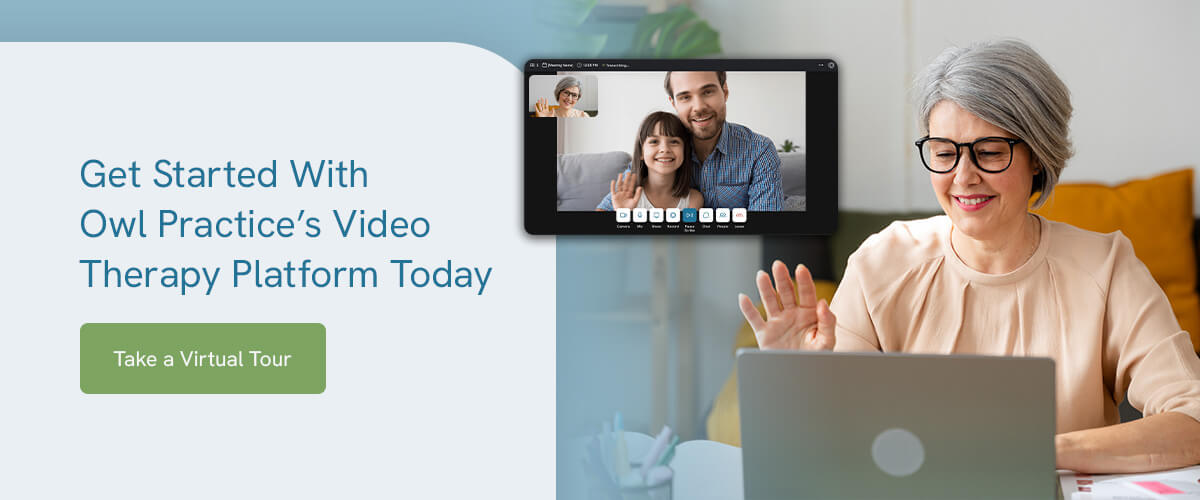
Following these video therapy tips is easier with the right software solution. Owl Practice’s secure video therapy platform can help you run a smoother, more effective virtual session in several ways. It’s fully compliant with industry regulations, supports multiple users for family or group sessions, works seamlessly across devices, and offers helpful chat and sharing features to make the session more engaging.
Take a virtual tour of our solution today. We are happy to help your practice expand and serve clients in whatever way works best for them.